
Inspiration Quotes
Share thoughtful, creative, or motivational quotes in a uniquely styled card with gradient borders and rich typography, perfect for your aesthetic Notion pages.
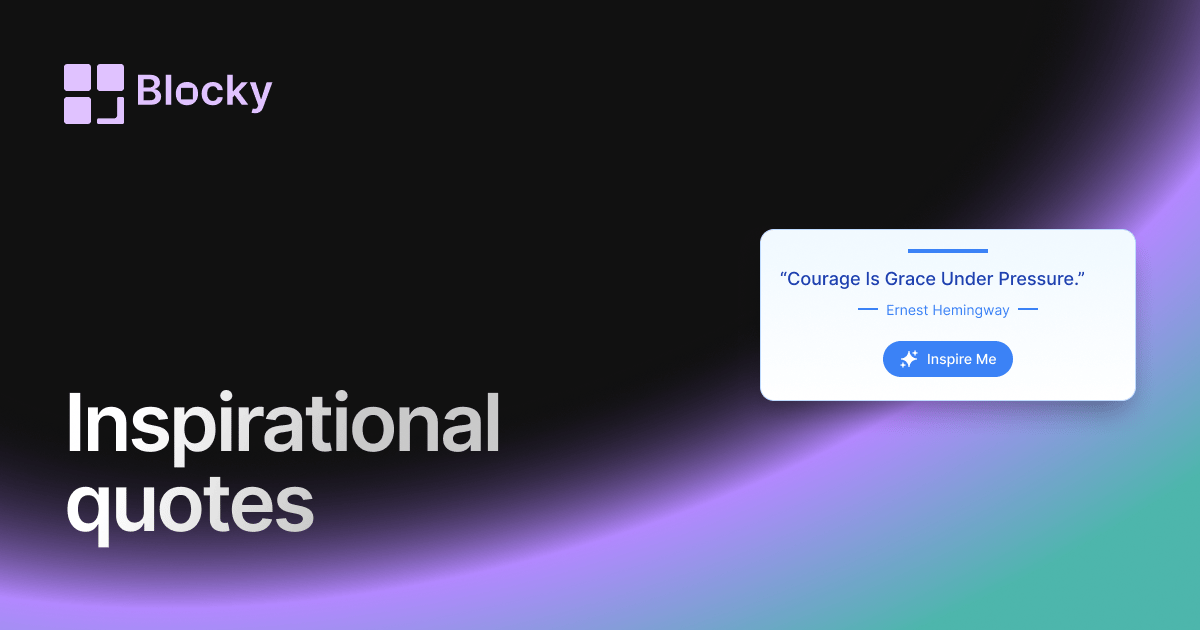
Inspect the widget before it reaches a live page.
Tune labels, data, colors, and layout from one editor.
Embed the finished specimen back into Notion.
Specimen notes — Inspiration Quotes
Click for inspiration
Inspiration Quotes Widget for Notion
The Inspiration Quotes widget is your personal motivator—curated to bring you the best of uplifting, empowering, and achievement-focused quotes. With bold visuals, energetic styling, and real-time rotation, it’s a go-to tool for creators, students, entrepreneurs, or anyone who wants their Notion space to spark daily action.
More than decoration, it’s your on-page mindset coach.
Use Cases
- Startup Dashboards: Fuel focus and momentum with high-energy quotes.
- Student Workspaces: Stay inspired through tough study sessions.
- Morning Pages: Begin each day with a powerful statement of intention.
- Motivation Walls: Add fire to goal boards, habit trackers, or weekly plans.
- Career Planning: Keep growth top of mind as you build your path.
Features
- Bold typography with energetic formatting
- Curated quote bank focused on action, perseverance, and mindset
- Optional full-screen mode or compact view
- Rotates with animation (fade, bounce, or typewriter)
- Designed to feel like a digital sticky note of wisdom
Customization Options
- Choose quote pool (inspiration-only, mixed, or custom upload)
- Set rotation timing (on refresh, hourly, or random)
- Style controls for font, weight, size, color, and emphasis
- Enable animations and quote “pop” effects
- Select layout style: card, inline, or quote-of-the-day mode
- Add motivational header: “Today’s Quote”, “Push Forward”, or emoji
Automatically Rotates with Purpose
Each time the widget loads, it surfaces a quote that’s designed to push you forward. You’ll never see filler—only focused, high-impact language that fuels performance and mindset.
How to Embed in Notion
- Visit Blocky and choose the Inspiration Quotes Widget variant.
- Choose a quote collection or upload your own.
- Customize fonts, layout, and animation style.
- Copy the embed link.
- Paste it into Notion using
/embed.
Your quote, your mindset—front and center.
Nearby variants for the same type.
The current specimen is excluded so the grid only offers alternate treatments.
Related variant
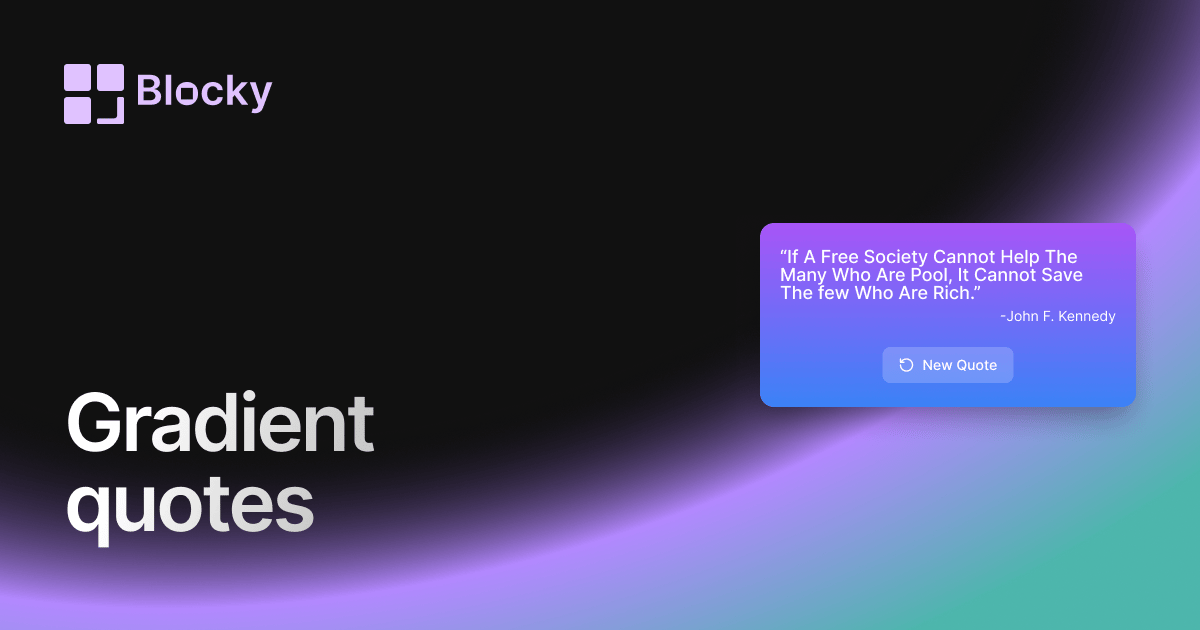
Gradient Quotes
Display powerful quotes in a vibrant gradient card with customizable quote and author styles. Perfect for motivational dashboards in Notion.
Open related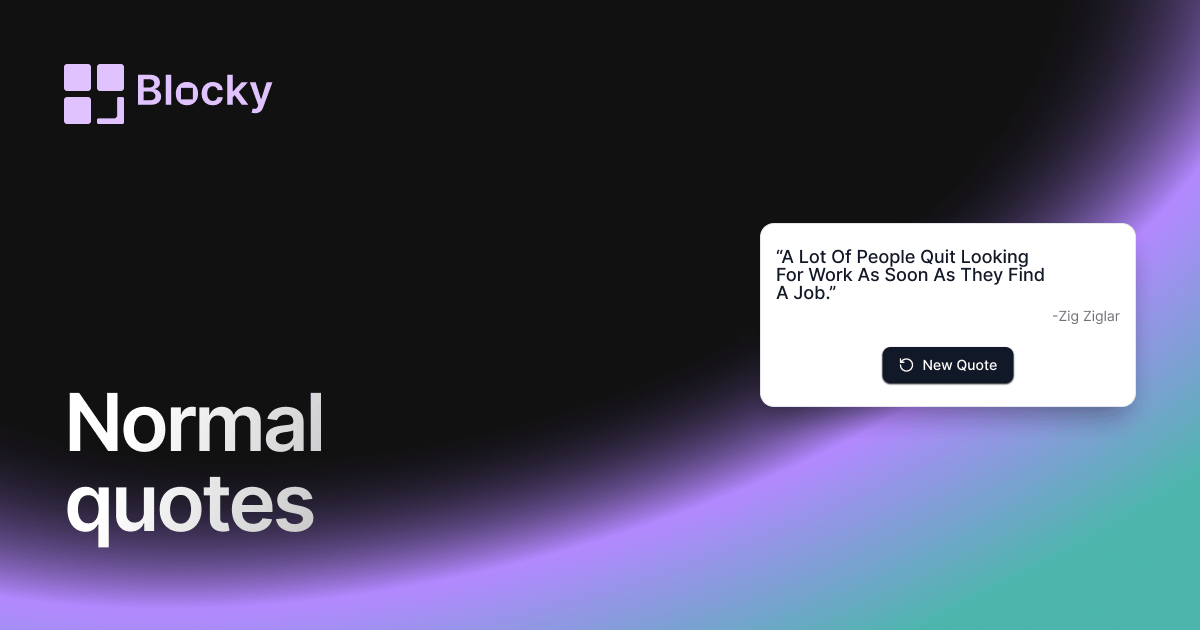
Related variant
Normal Quotes
Show rotating quotes in Notion with a clean widget built for dashboards, journals, study pages, and daily motivation blocks.
Open related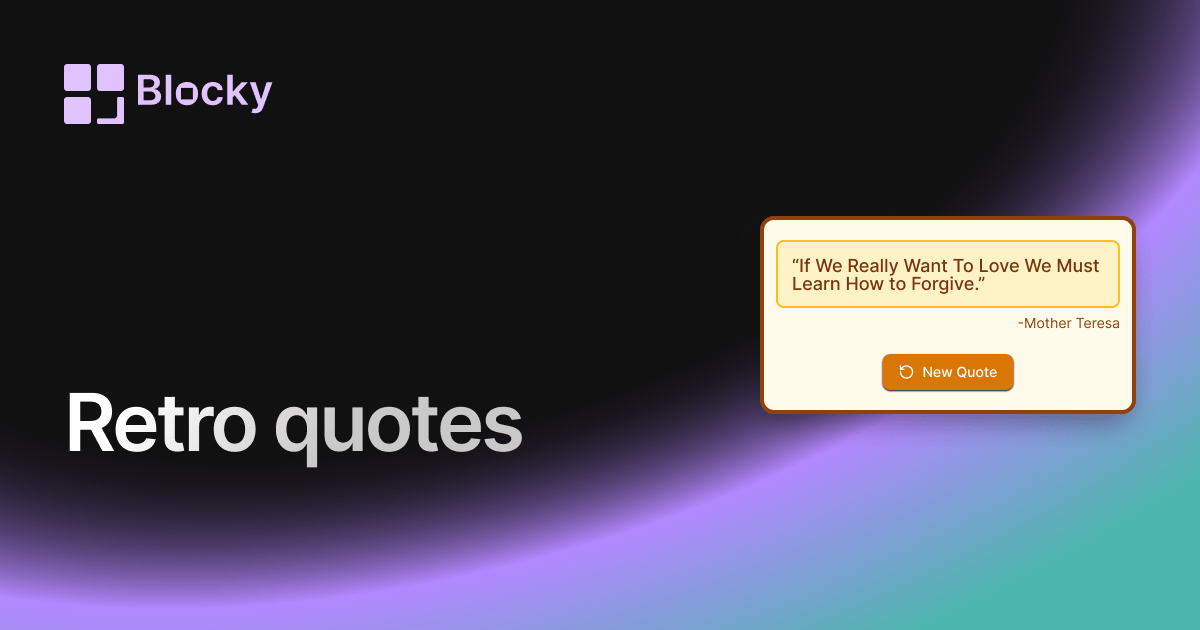
Related variant
Retro Quotes
Add a vintage flair to your Notion pages with the Retro Quotes widget. Designed with nostalgic vibes, it delivers classic inspiration in a timeless format.
Open related