

01
Choose a widget
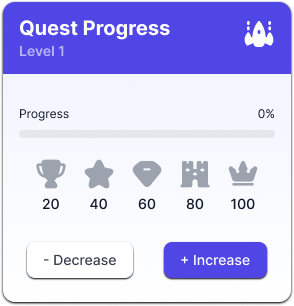
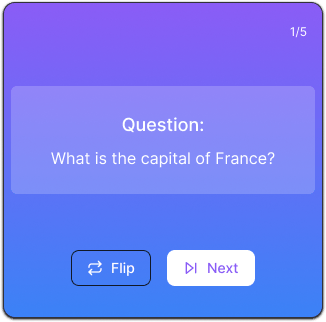
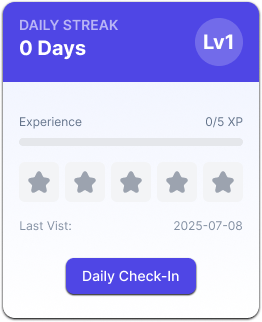
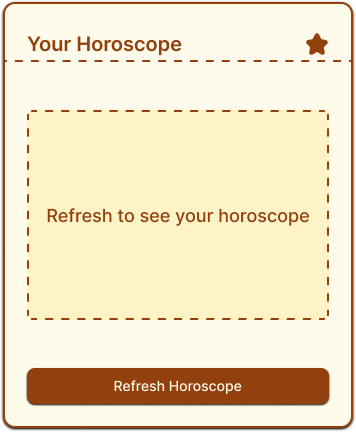
Start with charts, timers, study tools, or everyday utilities.
Choose a widget, make it yours, and optionally connect the Notion data you select.
Choose your first widgetStart with a template—no code.
01
Start with charts, timers, study tools, or everyday utilities.
02 / OPTIONAL
Read-only · you choose the source
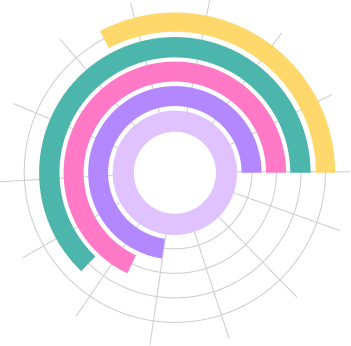
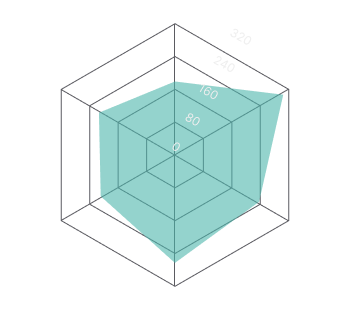
Weekly focus radar
Focus area · Score
My workspace
Weekly focus
03
Customize the content and look, then preview your finished widget.
Blocky comes to life through the people creating and the widgets they make.
Blocky keeps the setup visible: choose, connect if you want live data, then shape the widget before it reaches Notion.
CHOOSE
Browse by the job: track a habit, study, time a sprint, or add a little delight.
OPTIONAL DATA
Choose the Notion database and properties this widget needs. Access stays read-only.
Skip this step when your widget has no live data.
CUSTOMIZE + EMBED
Tune the details, check the result, then copy the finished widget’s embed link into Notion.Tune the details, check the result, then place the finished widget in Notion.
Four destinations, each with its own types, moods and useful little rituals.
Start free. Upgrade when your widgets and connected pages need more room.
5 widgets · 2 charts
Save
10 widgets · 5 charts · 2 Notion connections
Save
Unlimited widgets & charts
Choose a widget, customize it, then paste one embed link into Notion.
Choose a widget, customize it, then paste one embed link into Notion.
Everything you need to know before you build your first Blocky widget.
A widget is a small, configurable block — a chart, note, timer, or review card — that you build in the browser and embed in Notion.
BUILD IN THE BROWSER · EMBED ANYWHERE
Still have a question?
Email